Your signature, your way
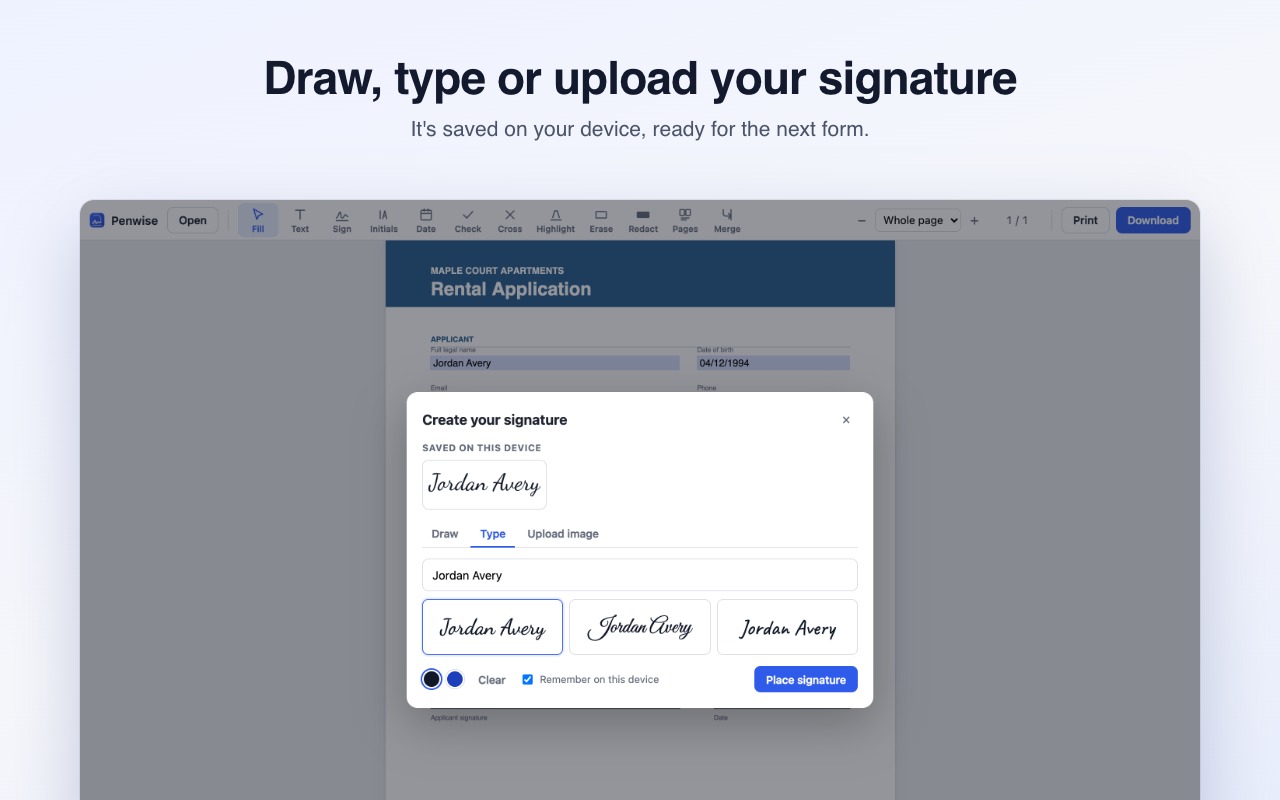
Draw it with your mouse or trackpad, type it in a handwriting font, or upload a photo. We remove the white background for you. Saved signatures stay on your device.
 Penwise
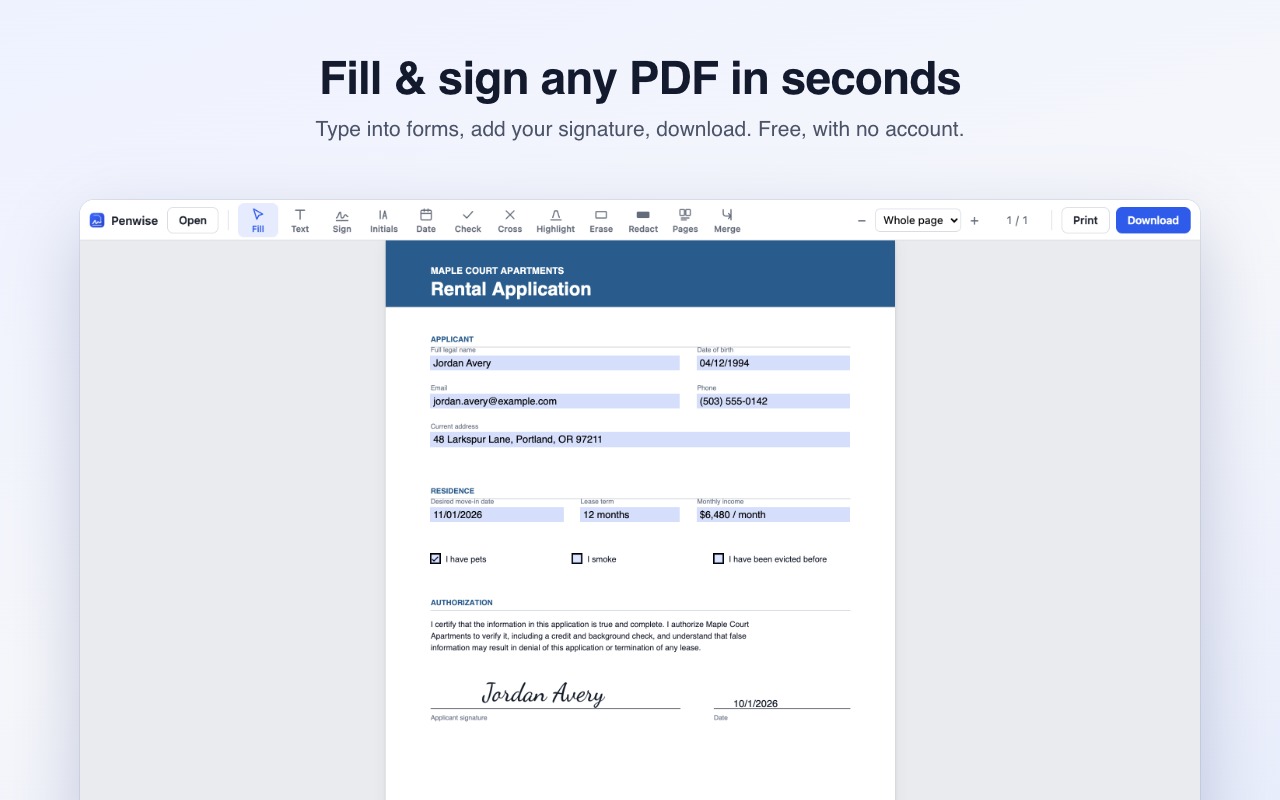
Type into forms, add your signature and download, all in a few clicks. Nothing is uploaded, and there's no watermark.
Why Penwise
Filling, signing and downloading are free with no watermark. You won't hit a paywall after you've filled out the whole form.
Your PDFs are processed inside your browser. Nothing is uploaded, so nothing can leak.
Open PDFs from your computer, from a website, or from a link you right-click.
Opens straight into the document. No account, no loading screen, no upsell maze.
Features
Draw it with your mouse or trackpad, type it in a handwriting font, or upload a photo. We remove the white background for you. Saved signatures stay on your device.
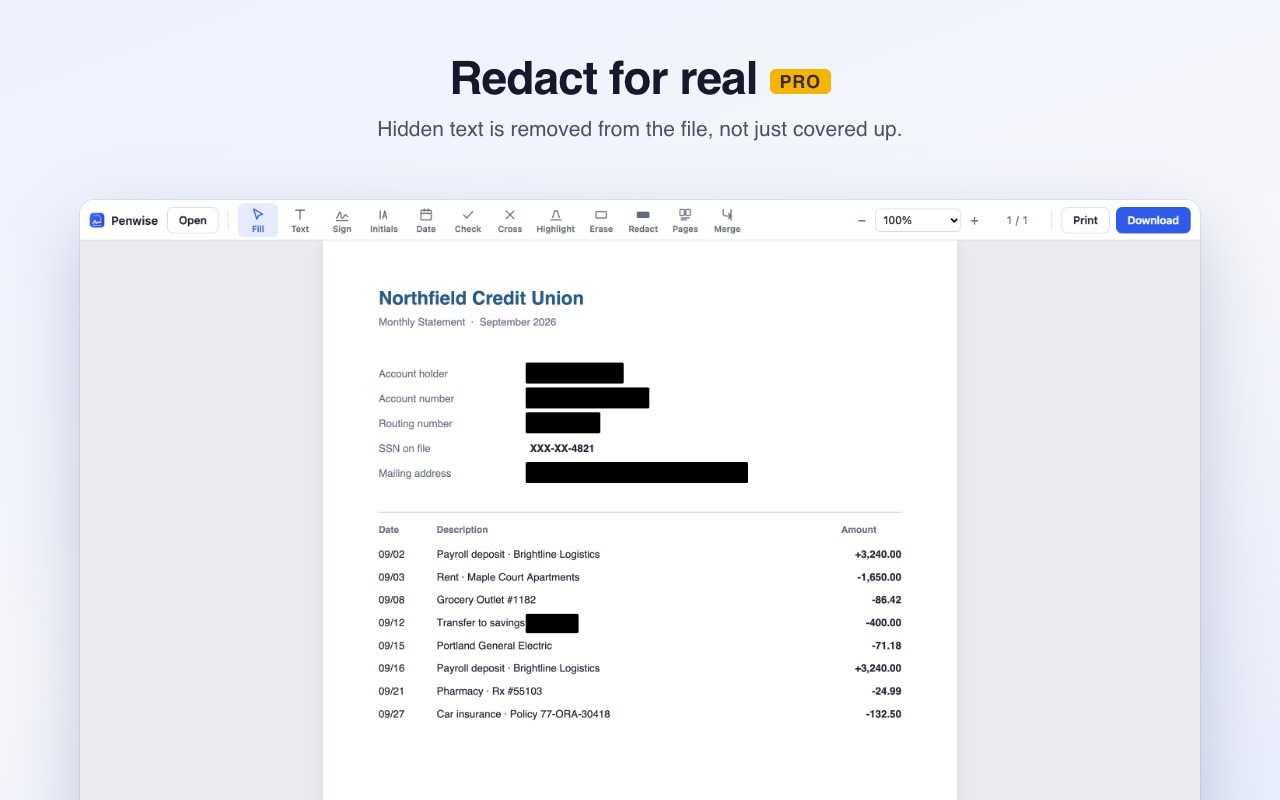
Black boxes in most editors only cover text, and anyone can copy it back out. Penwise removes it from the file for good.
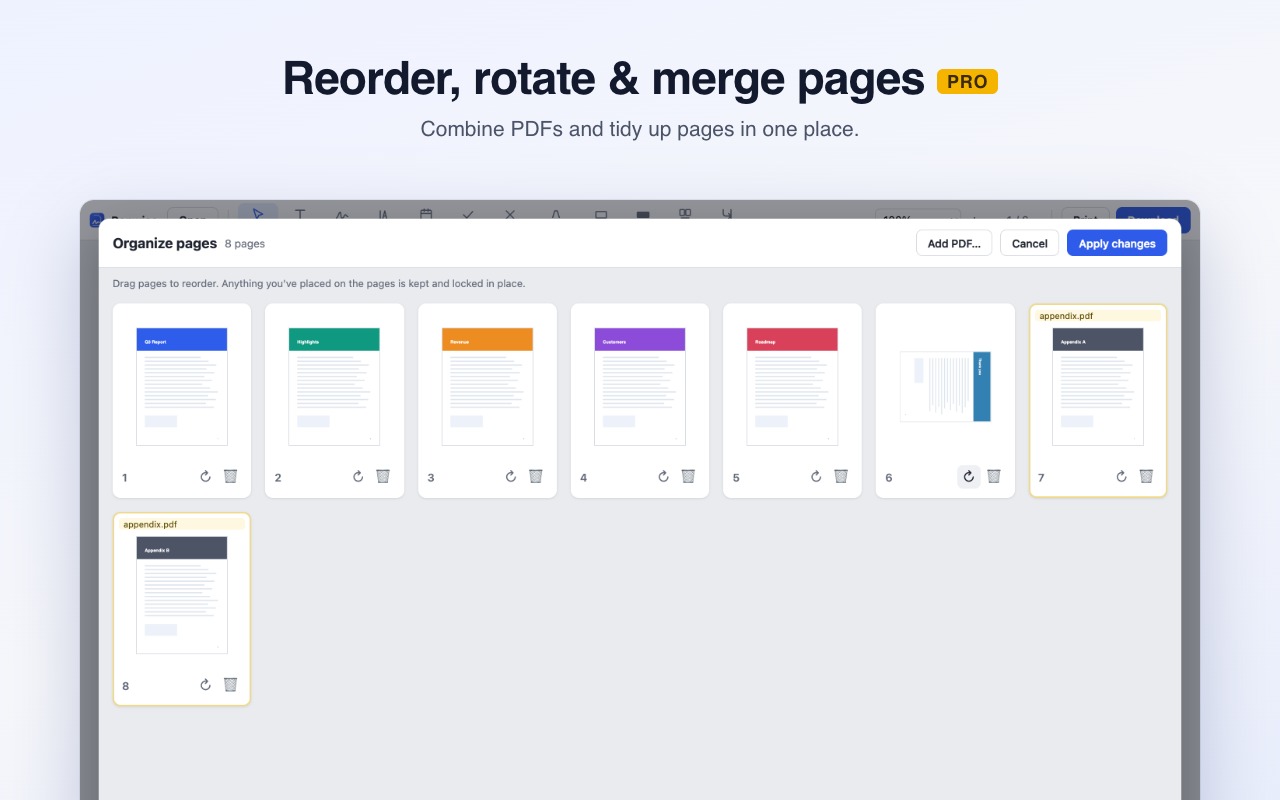
Reorder, rotate and delete pages, or combine several PDFs into one, by dragging and dropping.
Pricing
FAQ
No. Penwise opens, edits and saves PDFs entirely inside your browser. The only thing it ever contacts is our payment provider (ExtensionPay), to check whether Pro is unlocked, and your documents are never part of that.
Click the Penwise icon in your toolbar and drop in a file. If a PDF is already open in a tab, clicking the icon opens that PDF. You can also right-click any PDF link and choose "Fill & sign this PDF with Penwise".
When you open a PDF from a website, Chrome needs your OK for Penwise to download that one file. It asks one site at a time, and only when you request it.
In many places, including the US (ESIGN Act) and the EU (eIDAS), simple electronic signatures are generally valid for everyday agreements. Some documents require more. If in doubt, check with the person asking for your signature.
Click any Pro feature, then "Already paid? Log in" and enter the email you paid with.
Yes. If Pro doesn't work for you, email us within 14 days for a full refund.
Email penwise.help@gmail.com with what you tried and, if you can, a screenshot. We read everything.